• বাড়ি
  • E-mail
  • Business
  • Files
  • Contacts
  • Advertising
  • আরো
    • E-mail
    • Business
    • Files
    • Contacts
    • Calendar
    • Games
    • News

    প্রিমিয়াম নিন
BD বাংলা
  • ਪੰਜਾਬੀ
  • English
  • Indonesian
  • Español
  • Français
  • Deutsch
  • Latviešu
  • Русский
  • Lietuvių
  • Eesti
  • عربي
  1. বাড়ি
  2. Apple application

%MESSAGE%
How to exit ios application

To logout from the application:

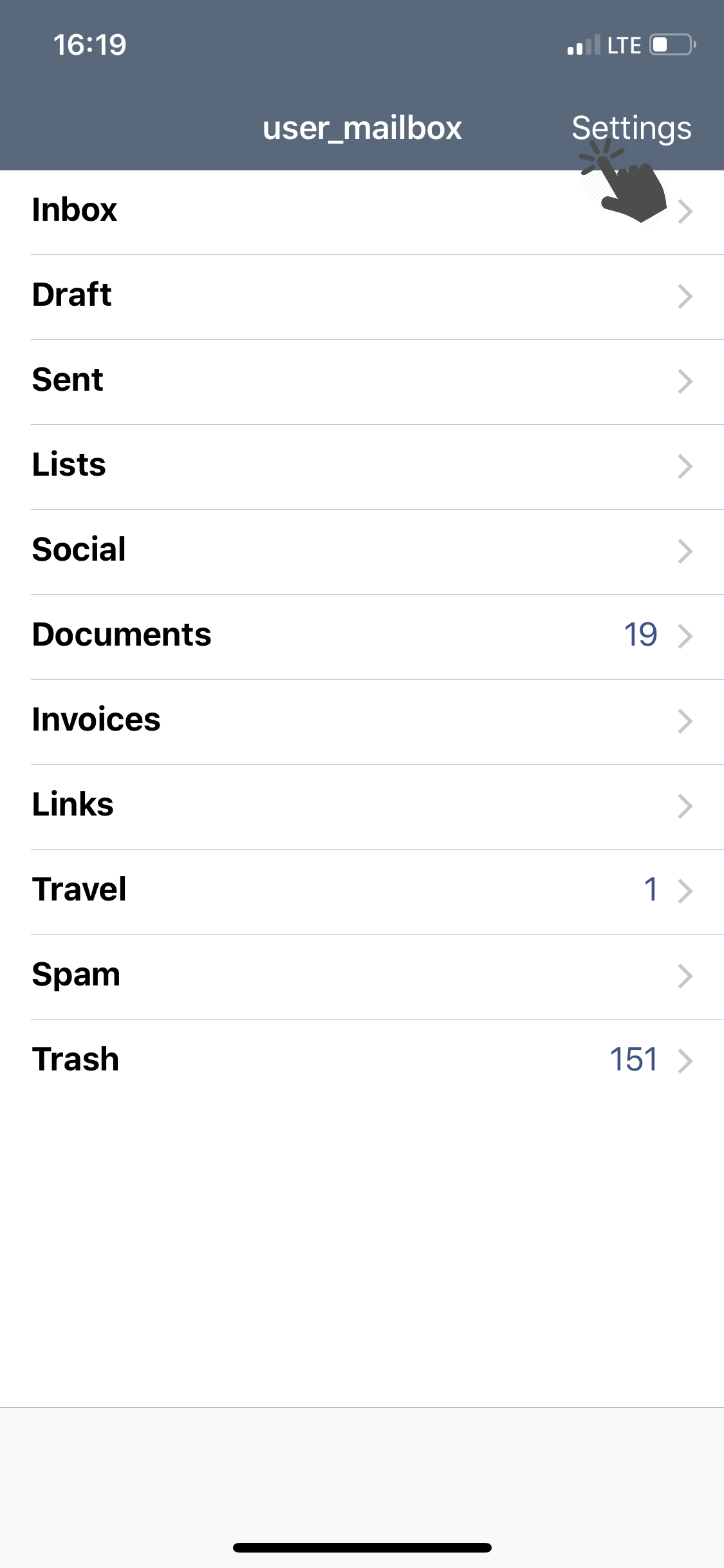
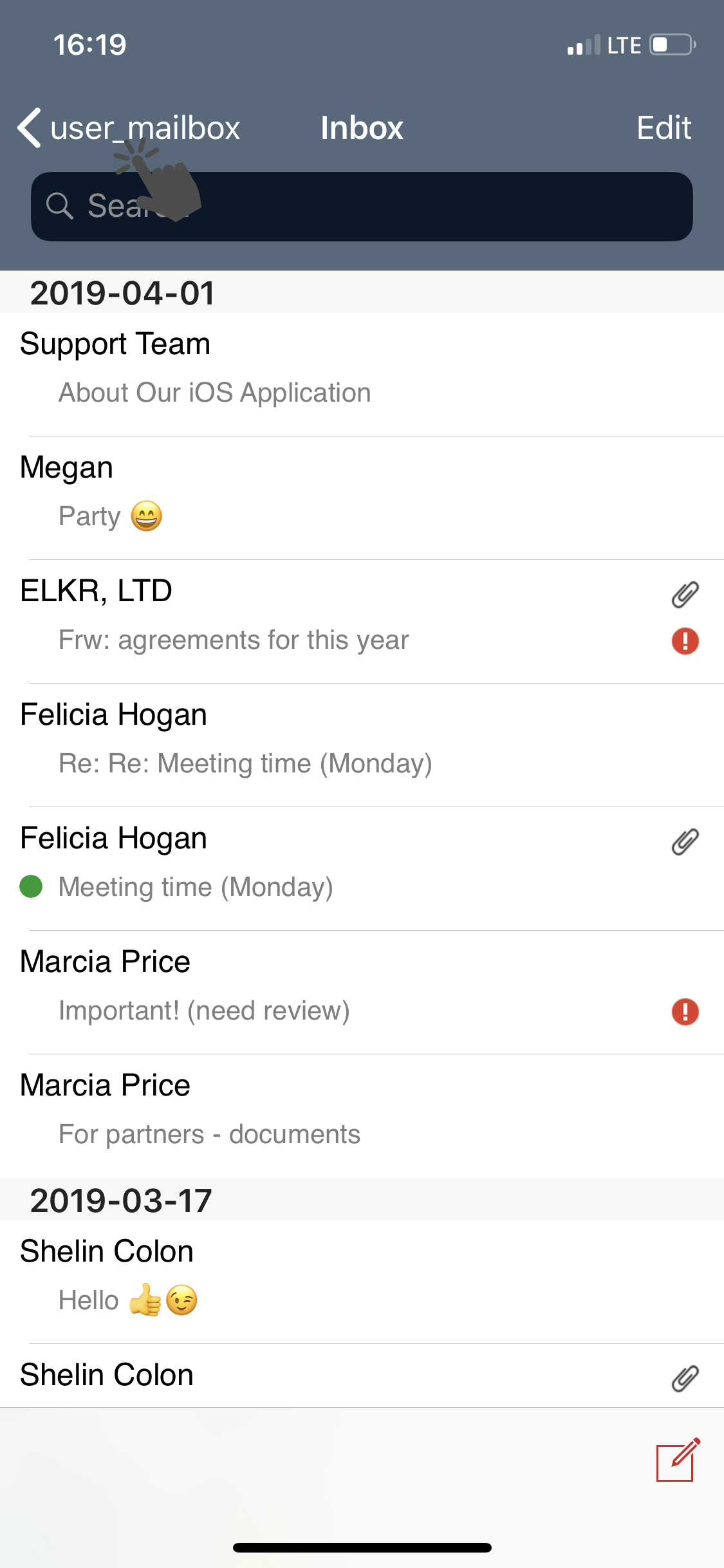
  • Go to the app settings (above the list of all folders, press Settings);
 

881a152a03dcc3780a83b9b92e1b64-1683542488-base.png     ea5c10c71c320bea217bf7097e4243-1683542502-base.png


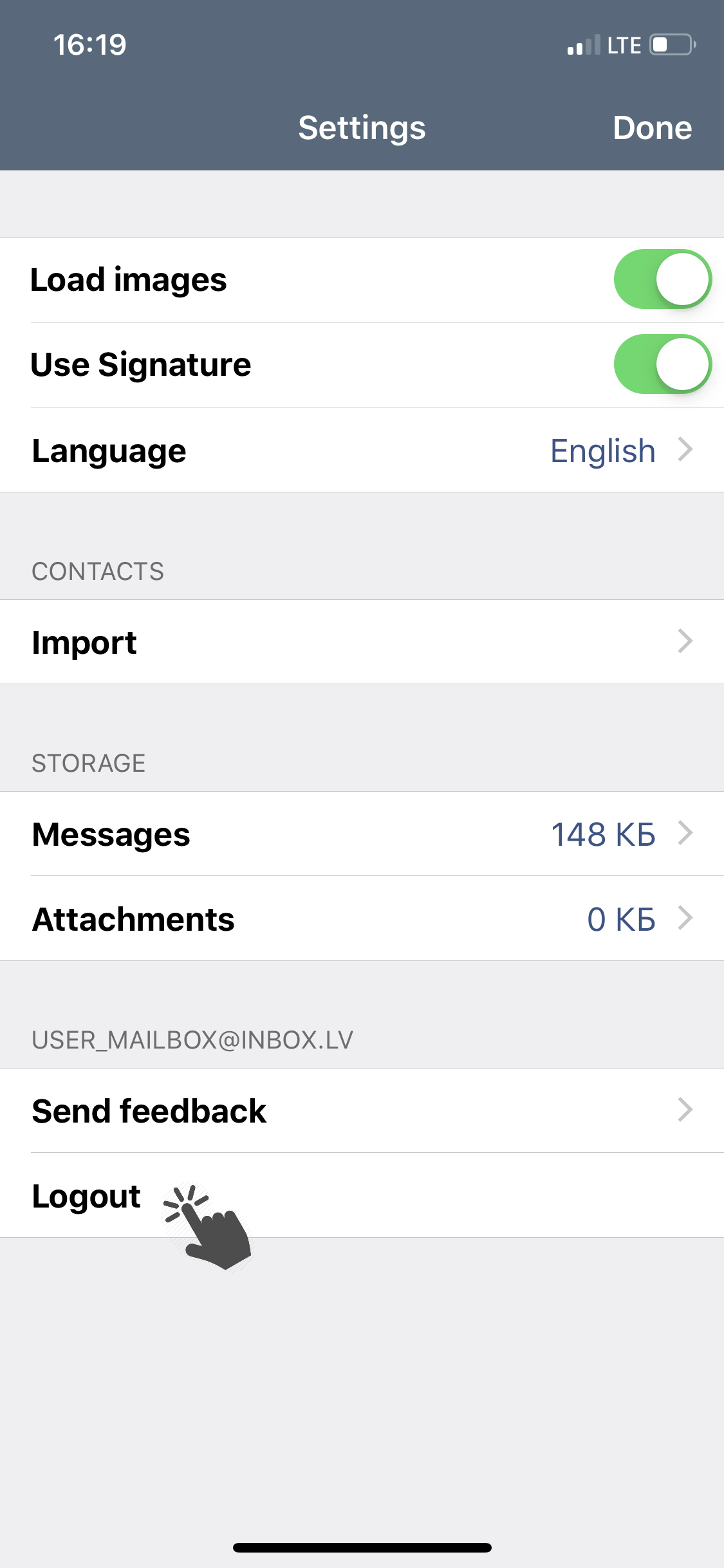
  • Tap Logout.


191f0c500963675c9a4ad4ef0d560f-1683542502-base.png


আপনি যদি আপনার উত্তর খুঁজে না পান তবে আমাদের সাথে যোগাযোগ করুন
প্রশ্ন

Notifications about new messages (how to disable/enable)
Synchronize and import contacts
How to clear cache
How to open application settings
How to update application
How to change the application language
How to exit iOS application
সাইন আপ লগ ইন করুন

  • Inbox.vg
  • E-mail
  • Business
  • Files
  • Contacts
  • Calendar
  • Games
  • News

  • Contacts
  • Support
  • Advertising
  • Privacy
  • Terms of Service

Download our app